You need to save a webpage, an invoice, or a client portal as a clean PDF—no software installs. So you search “free web to PDF converter,” open a bunch of tabs, and end up wading through cluttered UIs, surprise paywalls, and PDFs that don’t look anything like the original page.
We went through that for you. In March 2026 we put six popular free tools through the paces on what actually matters: output quality, watermarks, password-protected URLs, custom sizing, stripping out elements, and sharing. Here’s the straight breakdown.
Who Actually Needs a Web to PDF Converter?
Before comparing tools, it helps to know why people look for this in the first place. The “best” pick depends on which of these you are.
📄 The casual user
Saving articles, receipts, or reference pages for later. You want something fast, free, and no signup. Fancy options aren’t a priority.
🏢 The professional
You’re building reports, archiving client pages, or turning web apps into invoices. You care about watermark control, custom headers, and a clean layout.
👨💻 The developer or power user
Login-protected pages, stripping UI, batch jobs—you need real controls and sometimes an API. Most tools aim at the casual user; few give pros and devs a proper free option. That’s why this comparison is useful.
Feature Comparison: All Six Tools Side by Side
The table below covers the stuff that actually changes how you use a converter. Everything in it comes from hands-on testing, not marketing pages.
| Feature | WebtoPDFConverter | Smallpdf | iLovePDF | Sejda | PDFCrowd | CloudConvert |
|---|---|---|---|---|---|---|
| 100% free to use | ✓ Yes | Limited | Limited | ✓ Yes | ✗ Paid | Limited |
| URL → PDF (web page input) | ✓ Yes | ✓ Yes | ✓ Yes | ✓ Yes | ✓ Yes | ✓ Yes |
| Output quality control | ✓ Yes | ✗ No | ✗ No | ✗ No | ✗ No | ✗ No |
| Add watermark | ✓ Yes | ✗ No | ✗ No | ✗ No | ✗ No | ✗ No |
| Color overlay | ✓ Yes | ✗ No | ✗ No | ✗ No | ✗ No | ✗ No |
| Custom header / footer | ✓ Yes | ✗ No | ✗ No | ✗ No | ✗ No | ✓ Yes |
| Remove page elements (ads, nav) | ✓ Yes | ✗ No | ✗ No | ✗ No | ✗ No | ✗ No |
| Password-protected URL support | ✓ Yes | ✗ No | ✗ No | ✗ No | ✗ No | ✗ No |
| Custom page / viewport size | Full | ✗ No | ✗ No | ✗ No | Limited | Limited |
| Share output PDF (link) | ✓ Yes | ✗ No | ✗ No | ✗ No | ✗ No | ✗ No |
| No signup required | ✓ Yes | ✓ Yes | ✓ Yes | ✓ Yes | ✗ No | ✓ Yes |
| Daily conversion limit (free) | Unlimited | 2/day | Limited | 3/hour | Paid only | 25 min/day |
Table based on hands-on testing, March 2026. “Limited” means the feature exists but is restricted on the free tier.
Detailed Reviews: What We Actually Saw
⭐ Top pick
1. WebtoPDFConverter — Best overall free option
WebtoPDFConverter is the one that stands out if you need more than a basic “URL to PDF” button. It’s the only free tool we tested that gives you the full set: quality control, watermark, color overlay, custom headers and footers, element removal, password-protected URLs, custom dimensions, and a shareable link—no subscription, no signup.
When we tested it, the output looked accurate and handled JavaScript-heavy pages well. The element removal (you target specific CSS selectors) is especially handy for getting rid of nav bars, cookie banners, and ads before the capture.
✓ Pros: Most complete free feature set we found; supports login-required and protected pages; you can strip specific elements before capture; shareable output link; no daily limits and no signup.
✗ Cons: No offline desktop app; no OCR on the PDFs.
Best for: Professionals, researchers, and anyone who wants real control over the PDF without paying.
2. Smallpdf — Best if you need other PDF stuff too
Smallpdf is huge and its web-to-PDF is simple and clean. The catch: free tier is only two tasks per day, which gets in the way fast if you use it regularly. Where it really shines is the rest of the toolkit—compress, merge, split, convert—all in one place.
For web-to-PDF alone it’s okay for light use, but you don’t get quality controls, custom headers, watermarks, or element removal. The free tier feels like a teaser for Pro.
✓ Pros: Big PDF toolkit; nice interface; Google Drive and Dropbox.
✗ Cons: Only 2 free tasks per day; no quality or watermark options; no protected URL support.
Best for: Occasional users who also want merge/compress and don’t mind the daily cap.
3. iLovePDF — Fast and no-frills
iLovePDF is a household name for free PDF tools. Paste a link, get a PDF. No quality slider, no watermark, no element removal, no auth pages—but for a plain save of a public page it works and it’s quick.
Like Smallpdf, there are limits on free conversions, but they’re not as tight. The real draw is the rest of the suite: merge, split, compress, Office conversions.
✓ Pros: Fast, simple, almost no learning curve; solid broader PDF toolkit; decent on mobile.
✗ Cons: No advanced web-to-PDF options; daily limits; no protected pages.
Best for: Students and casual users who just want a quick, basic web-to-PDF.
4. Sejda — Free and no watermark
Sejda’s free tier doesn’t slap a watermark on your PDF—which is rarer than it should be. You get 3 tasks per hour and 200 pages per task. For occasional use that’s plenty. The web-to-PDF is straightforward; you just won’t find quality tweaks, element removal, or custom headers.
Solid fallback when you’ve hit Smallpdf’s cap and want a clean, watermark-free export.
✓ Pros: No watermark on free output; 3 tasks/hour is workable; clean UI.
✗ Cons: No advanced controls; no protected URLs; hourly limit can bite.
Best for: Anyone who wants a clean, occasional conversion without watermarks and doesn’t need the extras.
5. PDFCrowd — For developers (and it’s paid)
PDFCrowd is built for devs and teams: strong HTML/CSS rendering and a good API. The downside is there’s basically no free tier—anything useful needs a subscription. If you’re baking PDF generation into an app and have budget, it’s worth a look. For everyone else, the paywall makes it a non-starter in 2026.
✓ Pros: Pro-grade rendering; solid API; lots of customization on paid plans.
✗ Cons: No real free tier; overkill for non-devs; monthly subscription.
Best for: Dev teams building PDF into products, not people looking for a free one-off.
6. CloudConvert — When you live in the cloud
CloudConvert does 200+ formats and ties into Google Drive, Dropbox, and OneDrive. For web-to-PDF it has header/footer and some custom sizing—better than most. But the free plan is 25 conversion minutes per day, and the good stuff usually needs a subscription. If your workflow is already in the cloud, it’s convenient.
✓ Pros: Cloud storage integration; header/footer; huge format list.
✗ Cons: 25 min/day free; paid for real use; no watermark, element removal, or protected URL.
Best for: Teams in cloud-first workflows who need occasional PDF conversion among other formats.
Which Tool Fits Your Situation?
“Best” depends on what you’re doing. Quick reference:
- 📰 Saving articles for offline reading? Any of them work. iLovePDF or Sejda are fast and free, no signup.
- 🔒 Login-protected or password-protected pages? Only WebtoPDFConverter does that for free.
- 🏷️ Adding a brand watermark? Again, only WebtoPDFConverter gives you that at no cost.
- ✂️ Stripping nav bars and ads before saving? Only WebtoPDFConverter lets you remove specific elements before capture.
- 📐 Custom page dimensions? WebtoPDFConverter has full custom sizing free; CloudConvert and PDFCrowd have limited options, often on paid plans.
- 🔗 Sharing the PDF via link? Only WebtoPDFConverter gives you a shareable link—no emailing the file.
- 🛠️ API / developer integration? PDFCrowd has the strongest API; expect to pay.
- 📁 Also need merge, compress, split? Smallpdf or iLovePDF have the broadest all-in-one toolkits.
Bottom Line
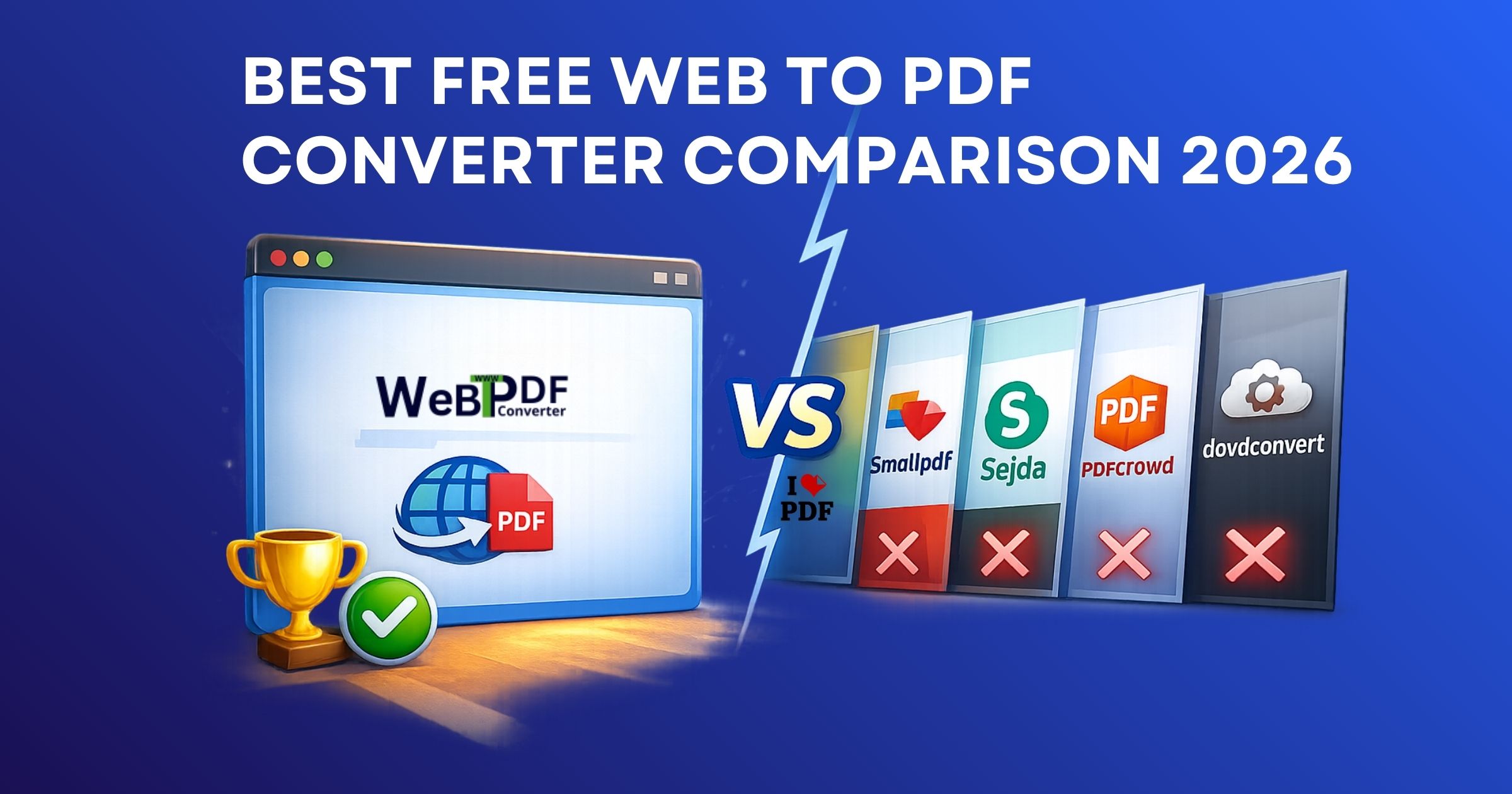
For 2026, WebtoPDFConverter is the clear winner if you want a free, no-signup web-to-PDF tool with actual control: quality, watermark, color overlay, headers and footers, element removal, protected URLs, custom dimensions, and shareable links, all without a subscription.
If you only need a quick one-off conversion with zero extras, Sejda (no watermark) or iLovePDF (simple and familiar) are fine. For devs building PDF into apps, PDFCrowd is worth the cost. But for the widest free feature set in one tool? It’s not close.