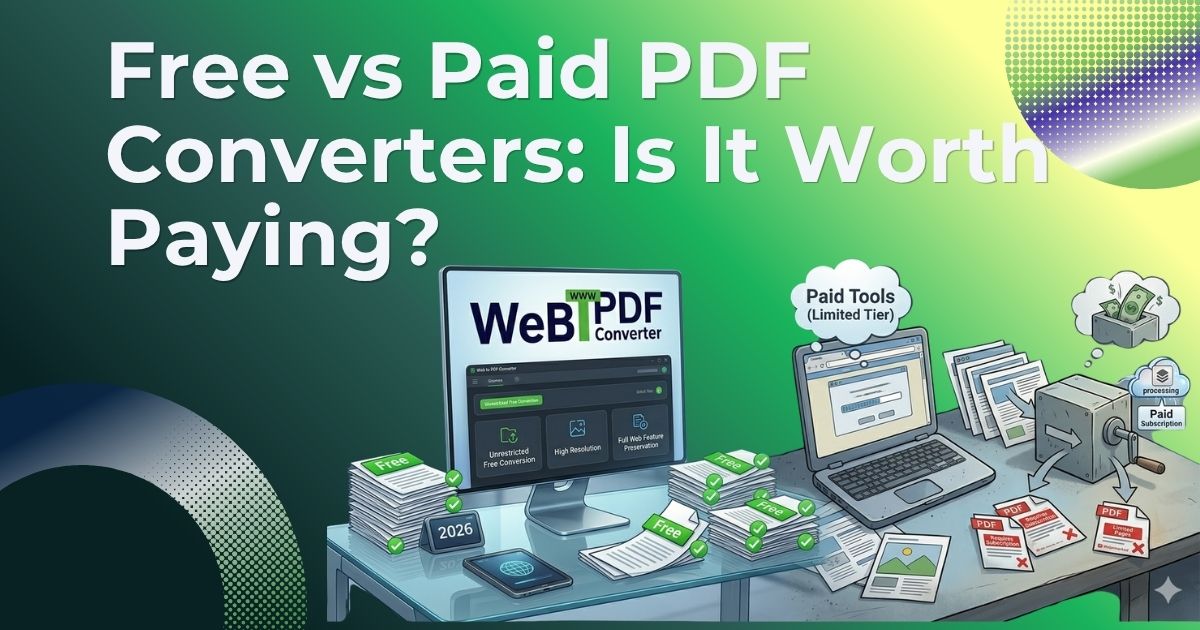
There are dozens of free PDF converters online. So why would anyone pay for one? That’s the question millions of people search every year and the honest answer is more nuanced than a simple yes or no.
Free PDF conversion tools have gotten genuinely good over the past few years. But “good enough” and “right for your use case” are two very different things. In this guide, we compare free vs paid PDF converters across every dimension that actually matters: output quality, privacy, features, limitations, and long-term value. By the end, you’ll know exactly which type of tool fits your needs and whether it’s time to upgrade.
What Free PDF Converters Actually Give You
Free online PDF converters including web-to-PDF tools, HTML-to-PDF converters, and file format converters cover the basics well. For casual, occasional use, many people will never need anything more.
Here’s what you typically get with a free PDF conversion tool:
- Convert a URL or file to PDF with no sign-up required
- Basic formatting preservation for simple, static pages
- Fast turnaround for standard documents
- Access from any browser, no software to install
- Zero upfront cost
For students saving research articles, professionals archiving a single report, or anyone who needs a quick one-off conversion, free tools are a perfectly reasonable choice.
Key insight: The real cost of “free” isn’t money—it’s the hidden trade-offs in quality, privacy, and capability that only show up when you need them most.
The Hidden Costs of Free PDF Conversion Tools
Free tools are not without trade-offs. Understanding these limitations helps you decide when “free” is truly free and when it ends up costing you more in time, quality, or risk.
1. Watermarks That Ruin Professional Documents
Many free PDF converters add a watermark—often a logo or branded footer—to every page of your output. For personal use this may be tolerable, but for client deliverables, business reports, or legal documents, a watermarked PDF is simply unusable. Removing watermarks typically requires either a paid upgrade or manual editing in a separate tool.
2. File Size and Page Limits
Free tiers commonly cap file sizes at 10–25 MB or restrict conversions to a handful of pages per document. If you’re converting a long product catalog, a multi-chapter report, or a data-heavy dashboard, you’ll hit these limits fast. Paid tools either remove them entirely or raise them high enough that they’re never a practical concern.
3. Lower Conversion Quality on Complex Pages
Free converters often use lightweight rendering engines that skip JavaScript execution, miss lazy-loaded images, and fail to capture dynamic content. The result is PDFs with broken layouts, missing sections, and formatting that looks nothing like the original webpage. Paid converters typically use full headless browser rendering, which produces pixel-accurate output regardless of how complex the source page is.
4. Privacy and Data Handling Uncertainty
When you upload a document or submit a URL to a free converter, where does that data go? Many free tools have vague or absent privacy policies. Some retain uploaded files for days. Others use your data to improve their own systems. For sensitive documents—contracts, financial statements, and medical records—this is a serious risk that paid tools with explicit data retention policies help eliminate.
5. Usage Limits and Daily Quotas
Free tools often cap the number of conversions per day or per hour. If you’re converting multiple pages regularly for research, content archiving, or business workflows, hitting a daily quota mid-task is a significant disruption. Paid plans remove these caps entirely.
Free vs Paid PDF Converter: Feature Comparison
Here’s a side-by-side breakdown of what separates free and paid PDF conversion tools across the features that matter most:
| Feature | Free Converter | Paid Converter |
|---|---|---|
| Watermarks | Often added | None |
| File size limit | Usually 10–25 MB | Unlimited or high |
| Conversion quality | Basic | High fidelity |
| Full-page capture | Partial | Complete |
| API access | No | Yes |
| Batch conversion | No | Yes |
| Ad-free experience | Rarely | Yes |
| Privacy / data retention | Unclear | Explicit policy |
| Customer support | None / FAQ only | Dedicated support |
When a Free PDF Converter Is the Right Choice
Free tools are genuinely the right choice in several common scenarios. You don’t need to pay for a PDF converter if:
- You convert PDFs occasionally—a few times per month at most
- Your documents are simple, static pages with no dynamic content
- Watermarks are acceptable for your use case
- File sizes are small and page counts are low
- You’re not handling sensitive or confidential information
- You don’t need API access or batch processing
For students, casual researchers, and anyone with light, non-sensitive conversion needs, a quality free tool like WebtoPDFConverter covers everything without spending a penny.
When It’s Worth Paying for a PDF Converter
The value of a paid PDF converter becomes clear the moment your needs go beyond occasional, low-stakes conversions. Consider upgrading if any of these apply:
You work with PDFs professionally
Lawyers, consultants, marketers, and researchers who convert documents daily need reliability and output quality that free tools can’t consistently deliver. A paid tool pays for itself the first time it saves you from resubmitting a broken document or re-converting a 50-page report.
You need clean, watermark-free output
Any document that goes to a client, employer, or official audience needs to be clean. Watermarks signal “free tool” in a way that undermines professionalism. Paid converters produce output that looks like it was created with enterprise software because under the hood, it often is.
You’re converting complex or dynamic webpages
If your workflow involves capturing dashboards, data-heavy pages, JavaScript-rendered content, or full-page screenshots of modern websites, you need a converter with full rendering capability. Free tools typically can’t handle these reliably. Paid tools with headless browser rendering handle them consistently.
Privacy and compliance matter
Industries with regulatory requirements—healthcare, legal, finance—need tools with clear, auditable data handling policies. Paid converters designed for business use typically offer explicit data retention policies, secure transfer protocols, and in some cases regional data residency options.
You need API access or automation
If you want to integrate PDF conversion into an application, automate report generation, or build a workflow that converts pages in bulk, you need API access—and that is almost always a paid feature. Free tools don’t offer programmatic access at any meaningful scale.
Is WebtoPDFConverter Free to Use?
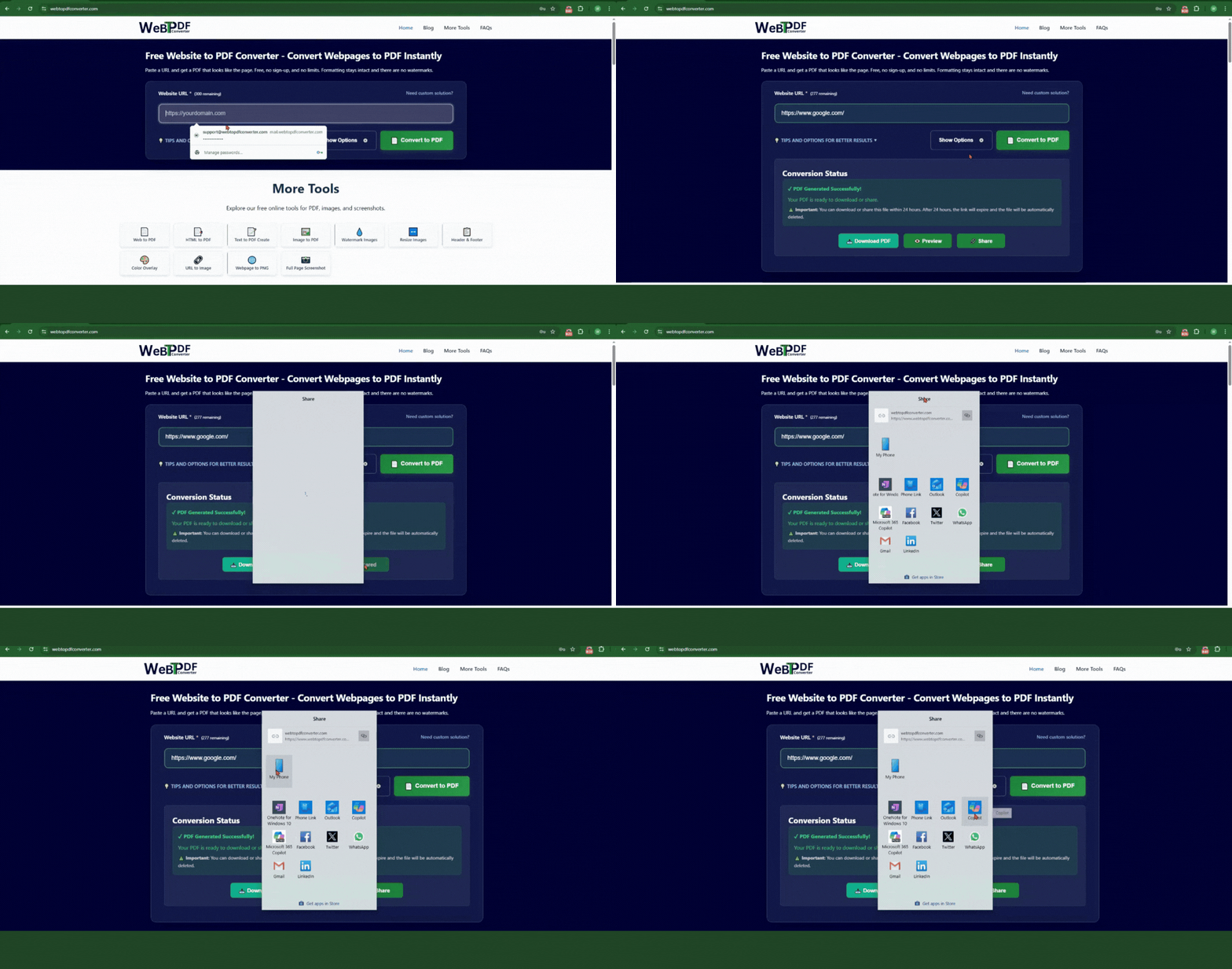
Yes—and it’s one of the stronger free web-to-PDF converters available in 2026. You can convert any URL to a PDF, capture full-page screenshots, and merge PDFs without paying anything or creating an account.
The free tier is genuinely useful for everyday conversions: no aggressive watermarking, no forced sign-up, and fast rendering that handles most standard pages well. For users who need higher volume, API access, or enterprise-grade privacy guarantees, paid options exist that remove those constraints.
The honest answer is: start with the free tool. Use it for your actual workload. You’ll know within a week whether the limitations affect you. If they don’t, you’re set. If they do, you’ll have a very clear picture of exactly what you need from a paid plan.
Verdict: Free vs Paid PDF Converters
For most people, a high-quality free PDF converter is all they’ll ever need. The tools available today are fast, capable, and accessible from any device without installation.
Paid converters earn their price when quality, volume, privacy, and automation matter. If you’re converting documents professionally, handling sensitive data, or building workflows that depend on reliable PDF output, the cost of a paid tool is easily justified by the time and errors it saves.
Bottom line: Free tools are great for casual use. Paid tools are worth it the moment your work depends on the output. Know which category you’re in, and you’ll never overpay or underinvest.